






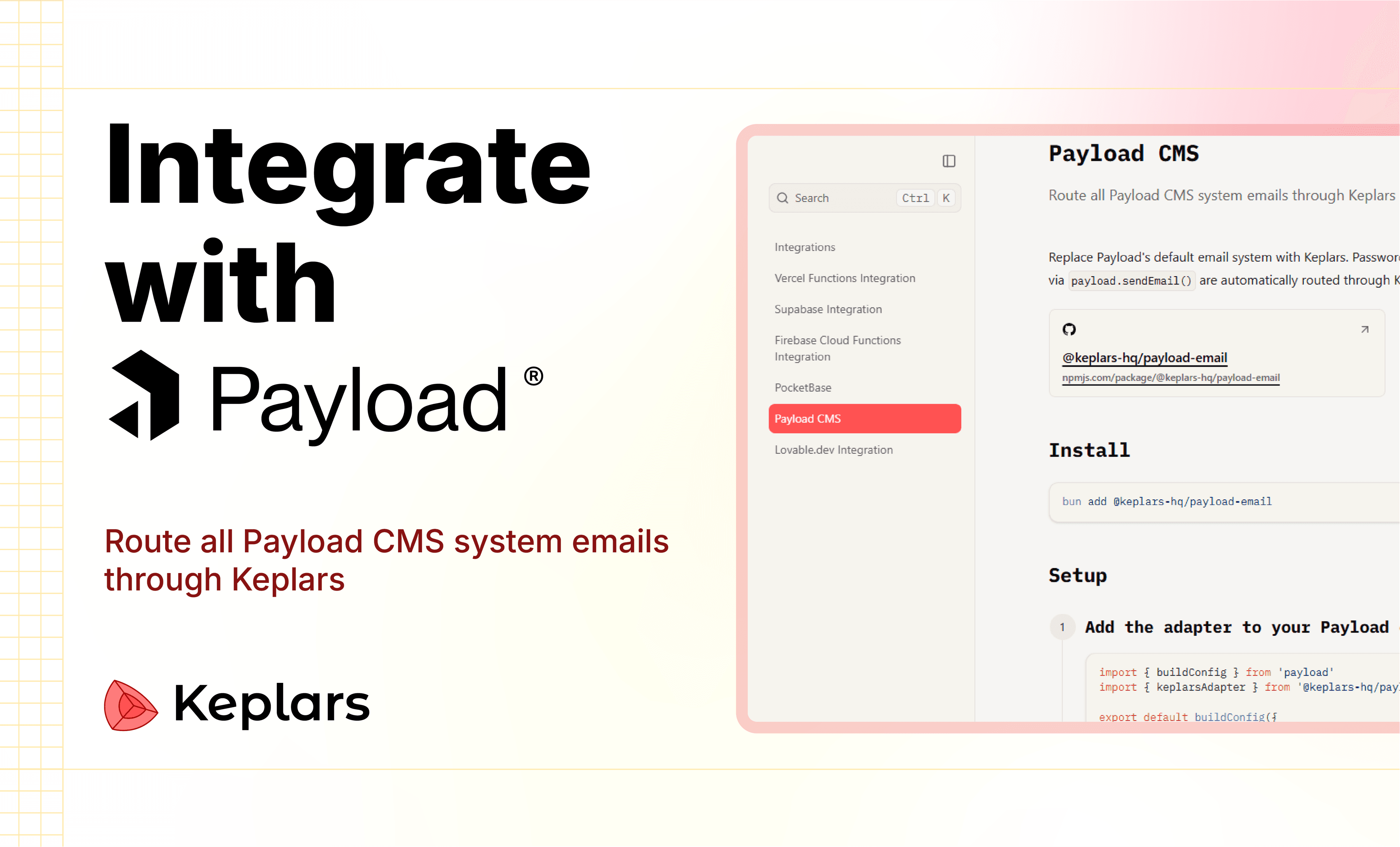

Modern CMS platforms have become incredibly powerful.
With tools like Payload CMS, developers can now build:
- backend systems
- admin panels
- APIs
- authentication
- content-driven applications
…faster than ever.
But there's still one part of the stack that becomes messy surprisingly quickly:
Email infrastructure.
Most projects start with basic SMTP.
Then eventually need:
- transactional emails
- onboarding workflows
- email tracking
- marketing campaigns
- custom domains
- automations
- analytics
- scalable delivery systems
At that point, developers usually end up stitching together multiple disconnected tools.
That's exactly why we built the official Payload CMS integration for Keplars.
In this guide, we'll walk through how to integrate Keplars with Payload CMS to build production-ready communication workflows with minimal setup.
What is Keplars?
Keplars is an email infrastructure platform focused on making setup and tracking much simpler for modern applications and teams.
Keplars unifies:
- transactional emails
- marketing emails
- automations
- real-time tracking
- OAuth sending
- custom domains
- APIs
- SDKs
- SMTP
- Webhooks
…into a single platform built for both tech and non-tech users.
Setup takes just a few clicks.
Why Payload CMS + Keplars?
Payload CMS already gives developers an amazing developer experience for backend and content management.
Keplars complements that by simplifying communication infrastructure.
Together, you get:
- scalable email workflows
- tracking
- automation
- delivery infrastructure
- domain management
- developer-friendly integrations
without needing to manage multiple email services separately.
Common Problems Developers Face:
As Payload apps scale, email workflows usually become fragmented.
Typical setup:
- SMTP provider
- separate tracking platform
- automation tool
- template builder
- analytics service
- webhook handling
This creates:
- infrastructure complexity
- delivery inconsistencies
- maintenance overhead
- poor visibility into email performance
Keplars simplifies this entire layer.
What You Can Build:
Using Payload CMS + Keplars, you can easily build:
Transactional Emails:
- signup emails
- password resets
- OTP verification
- notifications
- order confirmations
Marketing Workflows:
- newsletters
- campaigns
- onboarding sequences
- follow-up emails
Automated Workflows:
- inactivity reminders
- event-based triggers
- user lifecycle communication
Real-Time Tracking:
Track:
- sent events
- delivery status
- open rates
- click events
- failures
Integration Features:
The Payload CMS integration supports:
- ✅ Email APIs
- ✅ SMTP support
- ✅ Webhooks
- ✅ OAuth-based sending
- ✅ Custom domains
- ✅ Real-time tracking
- ✅ Automations
- ✅ SDKs across 11 languages
- ✅ Sandbox testing
- ✅ CLI support
Architecture Overview:
Typical workflow:
Step 1: Create a Keplars Account
Start by creating an account: Create Keplars Account
After signup:
- Create a project
- Generate an API key
- Configure your sender domain
- Enable tracking
Step 2: Install the Keplars SDK
Example using Node.js:
Step 3: Configure Environment Variables
Create a `.env` file:
Step 4: Send Your First Email
Example using the Keplars SDK:
That's it.
You now have:
- email sending
- tracking
- delivery infrastructure
- analytics
running alongside your Payload CMS app.
Step 5: Add Real-Time Tracking
Keplars supports:
- sent tracking
- delivered tracking
- open tracking
- click tracking
Example response:
This makes it easy to build:
- engagement analytics
- campaign dashboards
- onboarding insights
- notification monitoring
inside your application.
Step 6: Build Automations
Keplars Automations help simplify:
- onboarding flows
- drip campaigns
- lifecycle emails
- reminders
- re-engagement campaigns
Explore automations here: Keplars Automations Docs
Step 7: Configure Webhooks
Keplars supports webhook events for:
- email opened
- email delivered
- link clicked
- bounce events
- failures
Example webhook payload:
This allows Payload CMS applications to react to communication events in real time.
Step 8: Use Sandbox Mode
Testing email workflows safely during development is critical.
Keplars Sandbox Mode allows developers to:
- test email flows
- preview templates
- validate automations
- debug integrations
without accidentally sending emails to real users.
Integrations Ecosystem:
Keplars also integrates with:
- Firebase
- Supabase
- PocketBase
- React Email
- Vercel Marketplace
- Payload CMS
…and more.
Why We Built This Integration:
Payload CMS developers care deeply about:
- developer experience
- simplicity
- scalability
- flexibility
We wanted email infrastructure to feel equally clean and developer-friendly.
The goal with Keplars is simple:
Reduce infrastructure friction so teams can spend more time building products instead of maintaining communication systems.
Final Thoughts:
Payload CMS is already one of the best modern backend/CMS platforms available today.
Keplars helps extend that experience into scalable communication workflows.
We're excited to see what developers build using Payload CMS + Keplars together.